The first half of the year has gone, but the second half will be much better! We have a lot in store for you this month so just sit back and relax.
Have you ever wondered what exactly Kolo does for you? Have you thought to yourself, “How best do I make use of Kolo?”🤔.
Not to worry, we’ve got all the answers here. To make the most out of Kolo Finance this July, here are some key steps to help you maximize financial management with Kolo.
📱 Account setup
After downloading the app or signing up on the Kolo web app, the first step is to completely set up your account. This includes verifying your phone number to enable us to contact you and offer you the very best of our services.
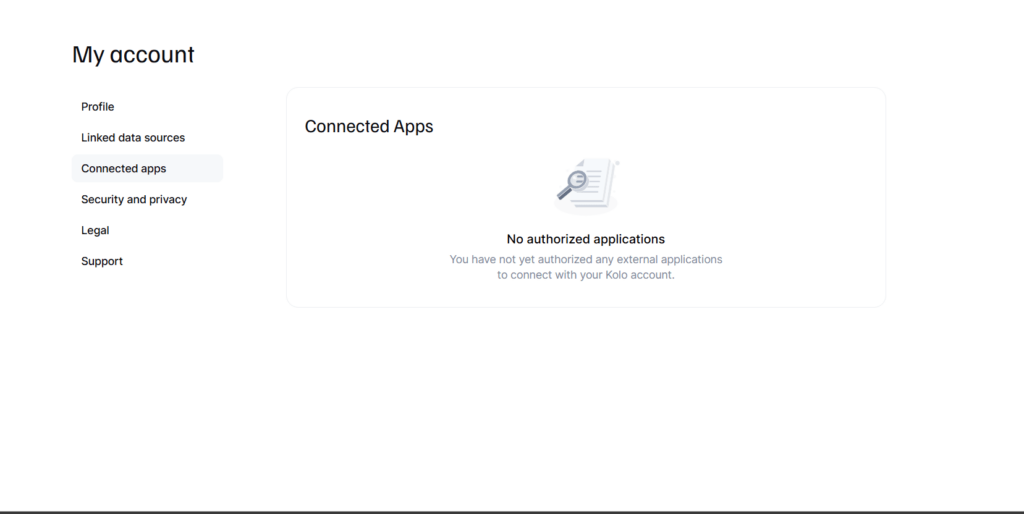
Once this is done, the next step is to link your data sources. This could be you linking an email or granting SMS permission to the application.
Once you have your phone number verified, link your bank accounts with data sources, you’re on the right track to financial management. 🎉
😕 What’s on my dashboard?
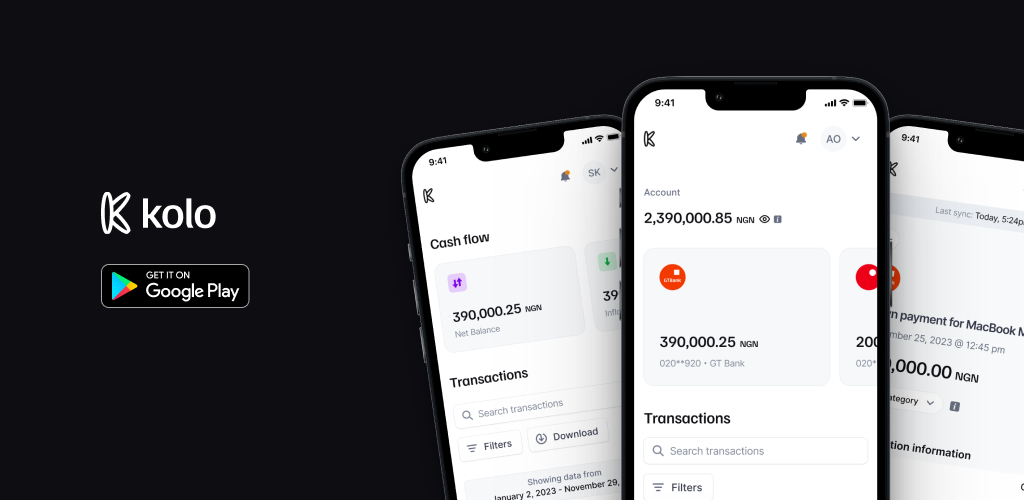
With your bank accounts connected via data source, your dashboard is set for you! To enjoy Kolo, you need to familiarize yourself with your dashboard.
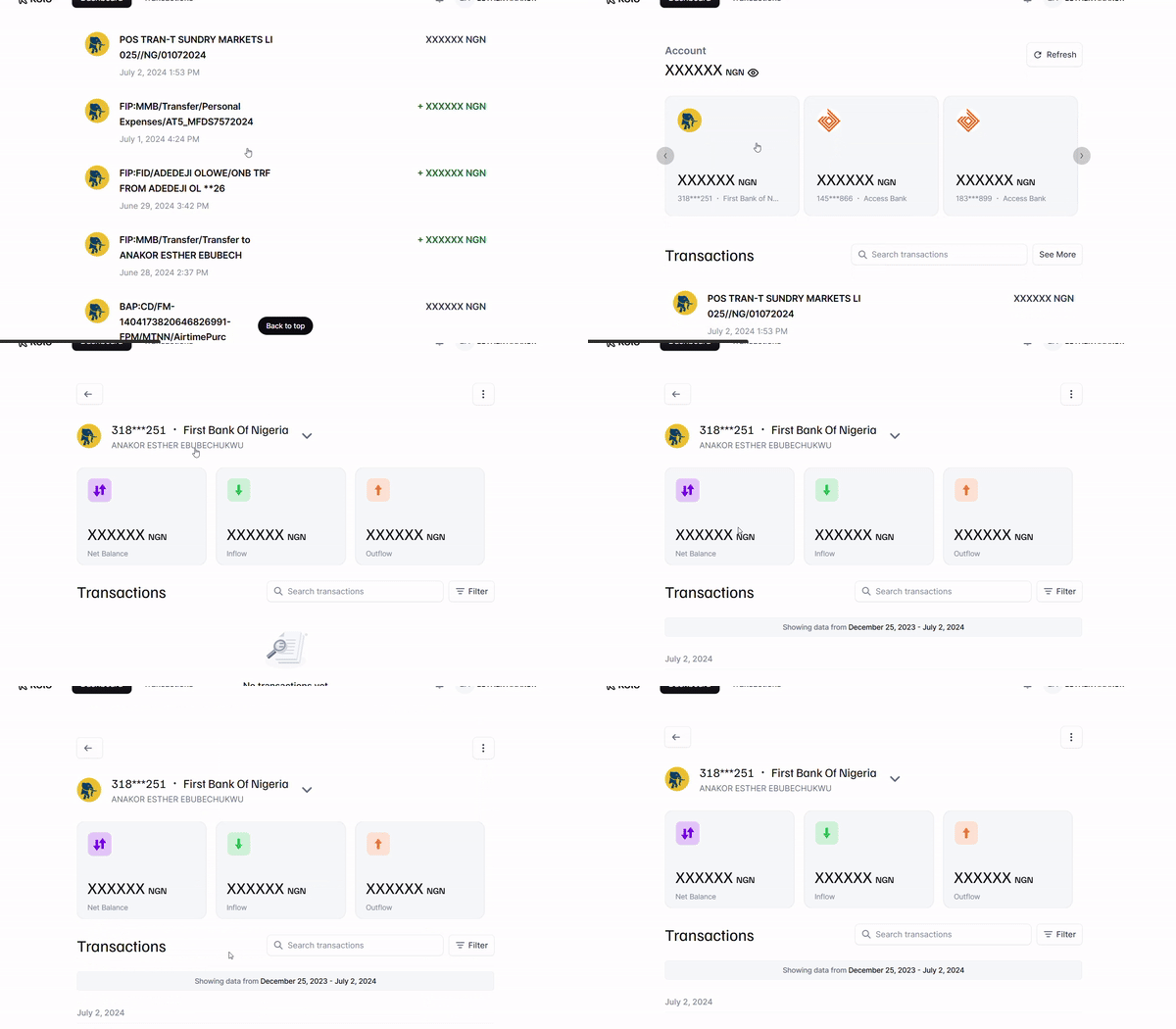
On your dashboard, you’re able to view all of your bank accounts as well as all of their transactions. From here, you can select a specific bank account and view all the transactions, filter these transactions and view your inflow and outflow, specific to that account.
Your dashboard simply gives you an overview of your financial health. Feel free to mask the details in case you’re hiding your 2k balance 🌚
💸 Where did my money go?
To view all your transactions, right beside the Dashboard, select Transactions. Here, you can finally see where all your money went.
To make the most of this, regularly categorize your transactions to help give you further insight on your spending habits; whether you’re spending all your money on clothes or on food 😋.
For certain significant expenses, feel free to add a note for better expense tracking.
🪙Kolo is saying I have more money than my bank app
If you’re ever experienced this, not to worry, we have launched a new feature that auto updates your balances on Kolo. Say goodbye to discrepancies on your Kolo account.
If balances still differ, feel free to refresh and resync to correct these.
Note: Understand that Kolo parses information from the data sources you add so the value displayed on your Kolo application is based off of the most recent alert notification.
🤝Getting the support you need
Right on the application, there is a help center that provides you with a link to FAQs and guides. Utilize it to the fullest and don’t hesitate to contact customer support if you have any issues or concerns.
🚀 Much more to come…
Wondering what this means?
We’re launching a new feature that allows you to expand your financial horizons. Any ideas what it might be? 🌚 You can send in your guesses.
To make the most of Kolo, make sure to explore all features available. Regular app visits are important to help you maximize Kolo to the fullest. Invite your friends and family members; let’s all have the best July financially.
Got any more questions?
Don’t hesitate to send us an email at [email protected]. Our team is always here to help and ensure you have the best experience with Kolo.
Obtaining an FCA consumer credit license is a key step for businesses that want to offer loans, credit cards, BNPL, or other consumer credit products in the UK. This guide explains who needs FCA authorization, the application process, eligibility requirements, expected costs, and practical tips to help lenders navigate the licensing process successfully.
If you’re a non-profit or development finance institution (DFI), it should be easier to run a lending program if you're already doing the hard part of reaching people most others won’t.
The end-to-end loan management software that’s rewriting the rules for lenders globally by offering enterprise-grade features without the enterprise-grade costs.
September 30, 2024
Make Better Informed Decisions
Our decision model Oraculi helps you handle all modules required to form the decision model for your lending business, convenient and
easy.